
This user guide provides instructions for operating the Cisco TelePresence SX10 and SX20 video conferencing systems, including calling, content sharing, and…
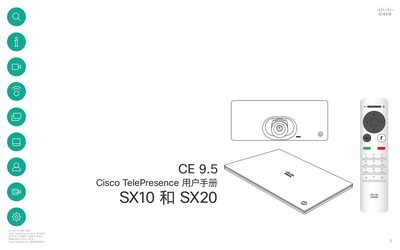
This manual covers the operation of the Cisco TelePresence SX10 and SX20 video conferencing devices. It details how to use the touchscreen interface and remote controller for initiating calls, managing contacts, and controlling audio and video settings.
Key topics include making and receiving calls from the contact list, editing caller information and call rates, sharing content during meetings, and adjusting camera layouts such as Picture-in-Picture (PiP). The guide also explains features like Intelligent Proximity and how to access system settings. This manual is written in Chinese.
The default timeout is 60 minutes, after which the system returns to normal operation.
Call rate is measured in kbps, which stands for kilobits per second.
Navigate to the Layout menu, select the image, and use the cursor keys to move it to a new position.