
Cisco procedure for manually reconfiguring an SPA122 ATA to work on the BroadSoft BroadCloud PBX network, including provisioning and reboot steps.
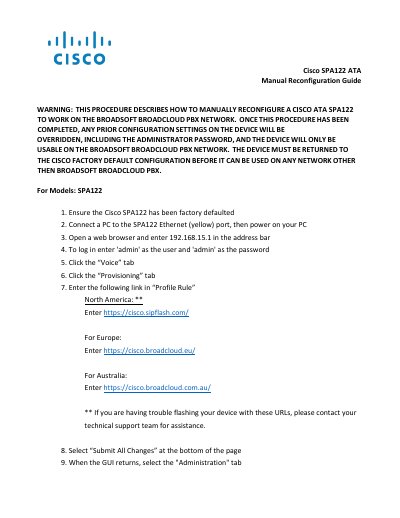
This two-page Cisco guide describes how to manually reconfigure a Cisco SPA122 ATA so that it works on the BroadSoft BroadCloud PBX network. It lists the steps in order: factory default the device, connect a PC to the yellow Ethernet port, open a browser to 192.168.15.1, log in as admin, open the Voice and Provisioning tabs, and enter a regional Profile Rule link.
The guide warns that the procedure overrides all prior settings, including the administrator password, and that the device will then only work on the BroadSoft BroadCloud PBX network until it is returned to the Cisco factory default configuration. It also explains the reboot steps, the 5-10 minute wait for the new configuration to download, what happens if station assignment has not been completed, and that the yellow Ethernet port works only as a bridge-mode switch port.
| Default web address | 192.168.15.1 |
|---|---|
| Default login | admin / admin |
| Configuration download wait time | 5-10 minutes |
| Ethernet port mode | Bridge mode switch port |
Open a web browser and enter 192.168.15.1 in the address bar, then log in with the user name 'admin' and the password 'admin'.
For Europe, enter https://cisco.broadcloud.eu/ in the Profile Rule field.
Wait 5-10 minutes for the new configuration to download after the reboot.
The device boots into a default unassigned/unusable state and stays there until the site administrator completes station assignment.