
User guide for Cisco Small Business IP Phone SPA 30X series covering installation, basic functions, and advanced configuration.
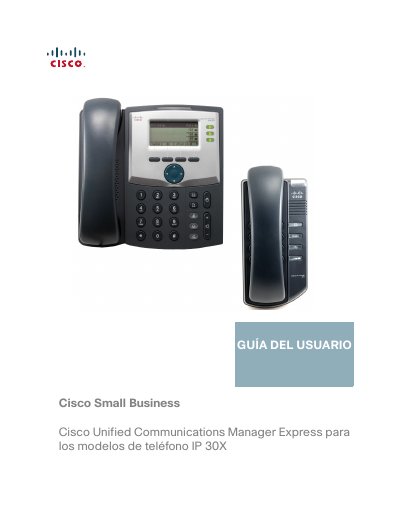
This user guide provides instructions for the Cisco Small Business IP Phone SPA 30X series, specifically for use with the Cisco Unified Communications Manager Express system via the Smart Phone Control Protocol (SPCP). The document covers the setup, hardware familiarity, and operation of the SPA 301 and SPA 303 models. This manual is written in Spanish.
| Display | No LCD |
|---|---|
| Programmable Keys | None |
| Navigation Button | None |
| Navigation Key | Four-way |
This guide is for use with the Cisco Unified Communications 500 Series system.
A red flashing LED indicates an incoming call.
Press the Mute button to activate the silence function.