
This Cisco RV320 Quick Start Guide covers package contents, installation, panel features, connecting the router, logging in, and basic troubleshooting.
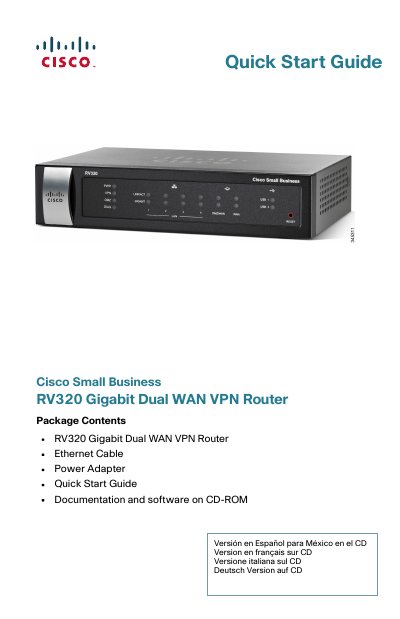
The Cisco RV320 Gigabit Dual WAN VPN Router Quick Start Guide describes how to physically install the Cisco RV320 and launch the web-based Device Manager. It lists package contents including the router, Ethernet cable, power adapter, quick start guide, and documentation and software on CD-ROM.
The guide explains desktop and wall mounting, front panel LEDs, back and side panel ports, connecting a computer to a LAN port, and logging in with the default IP address 192.168.1.1 using username cisco and password cisco. It also includes troubleshooting steps and Cisco support resources.
| Maximum Ambient Temperature | 104°F (40°C) |
|---|---|
| Power Adapter | 12VDC, 1.5 amp |
| Default IP Address | 192.168.1.1 |
| Default Username | cisco |
| Default Password | cisco |
| USB Port Type | Type A |
The default IP address is 192.168.1.1, entered as https://192.168.1.1 in a web browser.
The default username is cisco and the default password is cisco. Passwords are case sensitive.
Press and hold the RESET button for more than 10 seconds to reboot and restore the factory default configuration.