
Quick start guide for installing the Cisco RV320/RV325 Gigabit Dual WAN VPN Router and launching its web-based Device Manager.
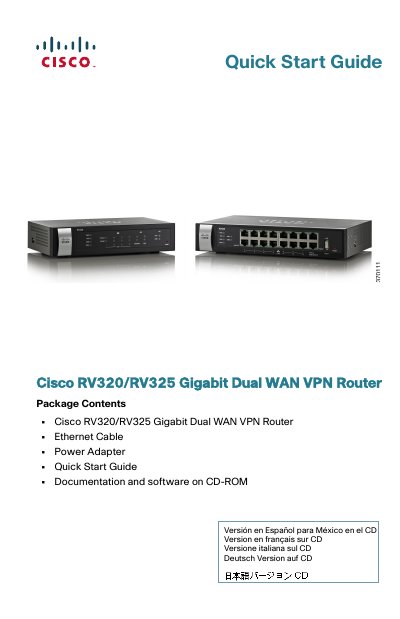
The Cisco RV320/RV325 Gigabit Dual WAN VPN Router package includes the router, an Ethernet cable, a power adapter, this quick start guide, and documentation and software on CD-ROM. The guide describes how to physically install the router and launch the web-based Device Manager, with wall mounting and RV325 rack mounting instructions and front, back, and side panel descriptions.
For initial configuration, a computer must be connected to a LAN port and be in the same wired subnetwork as the device. The guide also covers logging in at https://192.168.1.1 with the default username and password cisco, changing the administrator username and password, and troubleshooting connections with ping.
| Power adapter (RV320) | 12VDC, 1.5 A |
|---|---|
| Power adapter (RV325) | 12VDC, 2 A |
| Maximum ambient operating temperature | 104°F (40°C) |
| LAN ports (RV320) | 4 RJ-45 LAN ports |
| LAN ports (RV325) | 14 RJ-45 LAN ports |
| USB ports | Two Type A USB ports supporting flash drives and 3G/4G/LTE USB dongles |
| Gigabit link speed | 1000 Mbps |
Enter https://192.168.1.1 in the browser address bar; this is the default IP address of the device.
The default username is cisco and the default password is cisco; passwords are case sensitive.
Press and hold the RESET button for more than 10 seconds to reboot and restore the factory defaults.
On a computer running Windows, use ping with the device IP address, for example ping 192.168.1.1.