
This guide explains how to physically install and configure the Cisco RV110W Wireless-N VPN Firewall for small offices and remote professionals.
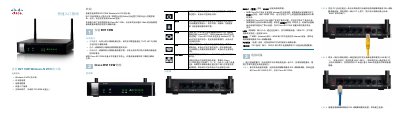
This document provides instructions for the physical installation of the Cisco RV110W Wireless-N VPN Firewall. It covers placement requirements, connecting the device to power and network equipment, and initial setup steps. This manual is written in Chinese.
| Operating Temperature | Do not operate above 104°F (40°C) |
|---|---|
| Default IP Address | 192.168.1.1 |
| Default Username | cisco |
| Default Password | cisco |
| Power Requirement | 12VDC |
The default username is cisco and the default password is cisco.
Press and hold the RESET button for more than 10 seconds.
Supported browsers include Internet Explorer 6.0+, Mozilla Firefox 3.0+, and Apple Safari 3.0+.