
This guide provides configuration and management instructions for Cisco Small Business RV042, RV082, and RV016 VPN routers, covering setup, security, and…
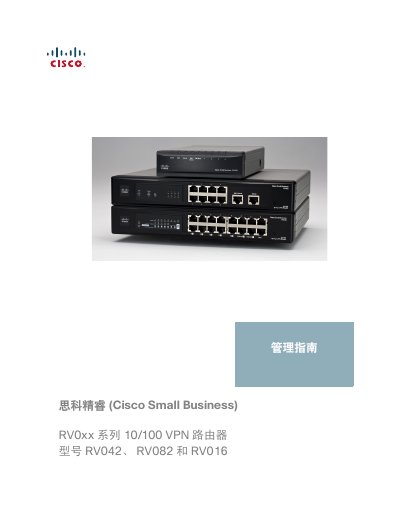
This manual serves as the complete guide for configuring and managing Cisco Small Business RV0xx series VPN routers, specifically models RV042, RV082, and RV016. It covers essential topics including hardware features, installation options, initial configuration, user interface details, and system management tasks such as firmware upgrades and backup restoration. The guide also details advanced settings for port management, firewall rules, content filtering, and VPN configurations including IPSec and PPTP. This manual is written in Chinese.
| Operating System | Linux |
|---|---|
| NAT Throughput | 100 Mbps (RV042), 200 Mbps (RV082) |
| IPSec Throughput | 59 Mbps (RV042), 97 Mbps (RV082) |
| Firewall Access Rules | Up to 50 entries |
| Port Forwarding | Up to 30 entries |
| Operating Temperature | 0°C to 40°C |
The default username is admin and the default password is admin.
Press and hold the Reset button for 30 seconds to restore factory default settings.
The router supports DES, 3DES, AES-128, AES-192, and AES-256 encryption.