
Cisco Jabber for Windows 9.2 Enable Accessory Manager API Guide

Instructions for enabling the Accessory Manager API in Cisco Jabber for Windows 9.2 to allow call management via external devices like headsets.
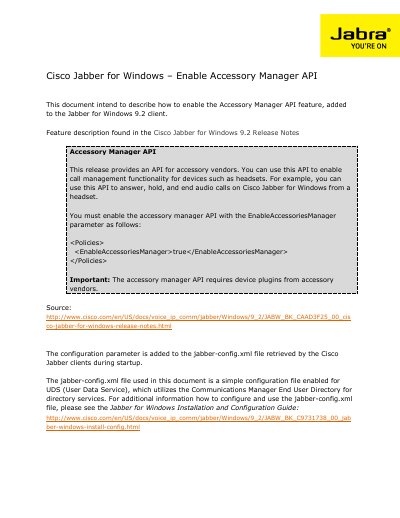

Cisco Jabber for Windows 9.2 Enable Accessory Manager API Guide - cover page
Brand
Cisco
Category
Other software
Document type
User Manual
Language
English
Pages
5
File format
PDF
File size
219 KB
Published
16 November, 2026
Updated
16 November, 2026
MD5 checksum
29A478437686E80BCCC99EA97DA2C4FE

About this manual

This document describes how to enable the Accessory Manager API feature in the Cisco Jabber for Windows 9.2 client. This API allows accessory vendors to implement call management functionality, such as answering, holding, and ending audio calls directly from a headset.

To function, the API requires device plugins from accessory vendors and must be enabled via the EnableAccessoriesManager parameter within the jabber-config.xml file.

What's inside

  • Accessory Manager API
  • Installation procedure
  • Generate or edit jabber-config.xml file
  • Upload jabber-config.xml file to TFTP server
  • Restart TFTP service
  • Test jabber-config.xml file accessibility

Frequently asked questions

What is the purpose of the Accessory Manager API in Cisco Jabber?

It provides an API for accessory vendors to enable call management functionality for devices such as headsets, allowing users to answer, hold, and end audio calls.

How do I enable the Accessory Manager API in the configuration file?

You must set the EnableAccessoriesManager parameter to true within the section of the jabber-config.xml file.

Download PDF (219 KB)

More Cisco Manuals


View all Cisco manuals →