
This manual provides instructions for using the Cisco Webex Board as a standalone device or with Touch 10/Room Navigator, covering calls, content sharing…
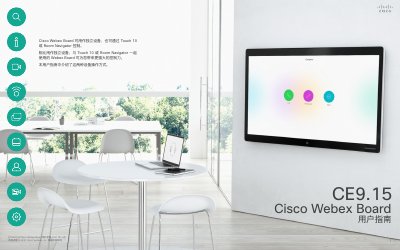
This user guide explains how to operate the Cisco Webex Board (Model D15430.09) either as a standalone unit or in conjunction with the Touch 10 or Room Navigator controllers. It details procedures for making and receiving video calls, managing contacts, and utilizing the device's digital whiteboard features for content sharing and annotation. This manual is written in Chinese.
Yes, the Webex Board can be used as a standalone device or with a Touch 10 or Room Navigator controller.
On the Webex Board, tap the device name on the main screen and then select Settings.
Tap the microphone icon in the top right corner of the screen on the touch controller and click Noise Cancellation.