
This manual covers the installation, configuration, and management of the Cisco CVR328W Wireless-N 3G Wireless VPN Router.
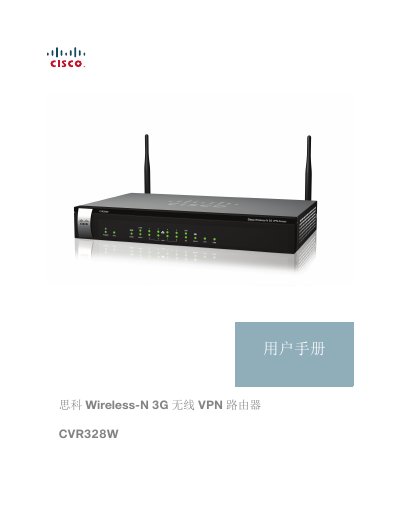
The Cisco CVR328W Wireless-N 3G Wireless VPN Router is designed for small and medium-sized enterprises to provide reliable internet access and secure virtual private network (VPN) connections. It integrates routing, switching, security, wireless, and 3G capabilities to meet diverse networking needs. The device features dual Gigabit Ethernet ports for internet redundancy and backup, 802.11n wireless support, and USB ports for 3G modems and storage. This manual is written in Chinese.
| Wireless Standard | 802.11n |
|---|---|
| USB Ports | Two USB 2.0 interfaces |
| Ethernet Ports | Dual Gigabit Ethernet ports |
| 3G Support | CDMA ECDO and WCDMA |
The router should be mounted with its ports facing up or down; do not mount it sideways to avoid damaging the ports.
The SYS indicator light will be solid green if the device has successfully connected to the internet and obtained an IP address.