
This guide helps users quickly set up and configure Cisco Business 350 Series managed switches using a web browser or mobile app.
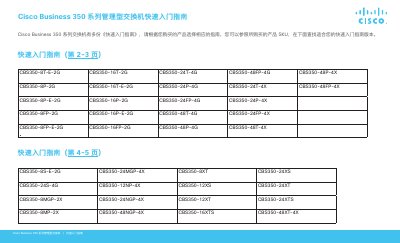
This document serves as a Quick Start Guide for the Cisco Business 350 Series managed switches. It provides an overview of the product features, lists the contents of the package, and details the necessary preparations for setup. This manual is written in Chinese.
| Default IP Address | 192.168.1.254 |
|---|---|
| Default Subnet Mask | /24 |
| Default Username | cisco |
| Default Password | cisco |
If the switch cannot obtain an IP address via DHCP, it uses the factory default IP address 192.168.1.254.
The default username is 'cisco' and the default password is 'cisco'.