
Cisco Jabber Android 11.7 Quick Start Guide

This guide provides quick start instructions for installing, logging in, and using the Cisco Jabber Android 11.7 application on Android devices and Android…
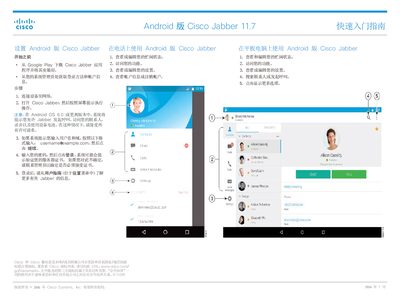

Cisco Jabber Android 11.7 Quick Start Guide - cover page
Brand
Cisco
Category
Smartphones
Document type
Quick Start Guide
Language
Chinese
Pages
2
File format
PDF
File size
327 KB
Published
13 October, 2026
Updated
13 October, 2026
MD5 checksum
101B03DCC7823C4FE88444C9D3BE2BA8

About this manual

This document serves as a quick start guide for the Cisco Jabber Android 11.7 application. It covers the initial setup process, including downloading the app from Google Play, connecting to a network, and logging in with user credentials. The guide also details specific permission requirements for Android OS 6.0 and higher. This manual is written in Chinese.

What's inside

  • Connecting the device to the network
  • Logging in to Cisco Jabber
  • Using Cisco Jabber on a phone
  • Using Cisco Jabber on a tablet
  • Using Cisco Jabber on Android Wear
  • Handling call notifications
  • Handling chat notifications
  • Handling group chat notifications
  • Handling voicemail notifications

Frequently asked questions

What operating system versions are required to use Cisco Jabber on Android?

The application requires Android OS version 6.0 or higher for the main app and Android OS version 5.0 or higher with Google Play services 8.3 or higher for Android Wear.

What specific permissions must be granted when installing Cisco Jabber on Android?

Users must accept requests to allow the app to initiate calls, access contacts, record audio, and use device battery.

How do you format the username when logging into Cisco Jabber?

The username must be entered in the format [email protected] before clicking Continue.

Download PDF (327 KB)

More Cisco Manuals


View all Cisco manuals →