
Short manual for the Cisco IP Phone 8841 and 8851: buttons, voicemail setup, speed dial, conference calls, mute, call forwarding and volume.
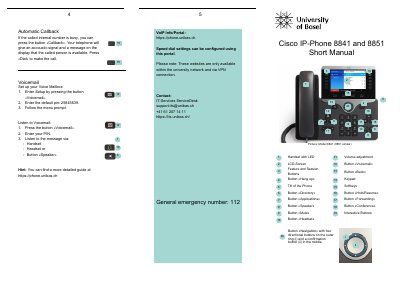
This short manual describes the buttons and basic operation of the Cisco IP Phone 8841 and 8851. It covers the handset, LCD screen, softkeys, navigation button, feature and session buttons, and the buttons for voicemail, directory, applications, forwarding, conference, mute, headset, speaker, hold/resume and hang up.
Procedures include making, answering, declining, holding, transferring and conferencing calls, muting, redialing, using the call log and automatic callback, setting up and listening to voicemail, and changing the ringtone and volume. It also lists the VoIP portal address for speed dial settings, IT-Services contact details and the general emergency number 112.
| Default voicemail PIN | 25845639 |
|---|---|
| Internal number format | 7 XX XX |
| External number prefix | 0 |
| General emergency number | 112 |
Press the «Voicemail» button, enter the default PIN 25845639 and follow the menu prompt.
Press the «Call forwarding off» button.
From a call that is not on hold, press «Transfer», enter the recipient's phone number, then press «Transfer» again.
Press «Applications», select «Settings» > «Ringtone», select a line, scroll through the list and press «Set and Apply» to save.