
This guide provides detailed management instructions for Cisco 300 series managed switches, covering Web-based configuration, system monitoring, security…
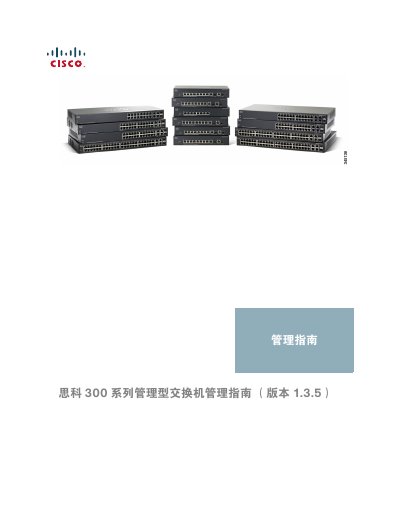
This document serves as the comprehensive management guide for the Cisco 300 series managed switches. It details how to use the web-based configuration utility to manage device settings, including interface naming conventions and window navigation.
The manual covers a wide range of administrative tasks such as viewing system status and statistics, managing files and firmware upgrades, configuring time zones via SNTP, and performing diagnostics like port testing and CPU usage monitoring. It also provides instructions for setting up discovery protocols (Bonjour, LLDP, CDP) and basic network connectivity tools. This manual is written in Chinese.
| Default IP Address | 192.168.1.254 |
|---|---|
| Maximum Absolute Time Ranges | 10 |
| Maximum LAGs Supported | 32 |
Open a Web browser and enter the device's IP address in the address bar, then press Enter.
The power LED will flash continuously when the device uses the factory default IP address.