
Quick start guide for Cisco Small Business 200 Series Smart Switches: package contents, mounting, connections, PoE, web setup, troubleshooting.
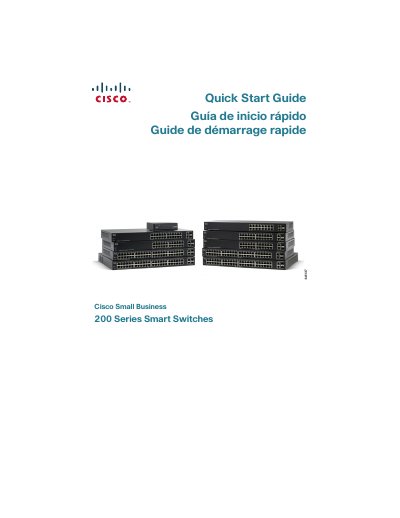
The Cisco Small Business 200 Series Smart Switches Quick Start Guide describes initial deployment of the switch. It lists package contents and explains mounting on a flat surface or in a standard rack, including rack-mount steps and placement cautions.
It then covers connecting network devices, PoE power considerations, and using the web-based interface to configure the switch. Default IP and login details are given, along with ping-based troubleshooting and descriptions of ports, LEDs, and connections.
| Default IP address | 192.168.1.254 |
|---|---|
| Default username | cisco |
| Default password | cisco |
| Maximum cabling distance | 100 meters (328 feet) |
| Maximum ambient temperature | 104 degrees Fahrenheit (40 degrees Centigrade) |
| Higher temperature rating for specified models | 113 degrees Fahrenheit (45 degrees Centigrade) |
| Rack installation | Standard rack, 1 rack unit high |
The switch uses 192.168.1.254 as its factory default IP address.
The default password is cisco, and passwords are case sensitive.
Enter the switch IP address in the browser address bar and press Enter.
You can set it on a flat surface or mount it in a standard rack.