
User manual for Cel-Fi GO M smart signal booster, covering installation, operation, LED indicators, and troubleshooting for mobile use.
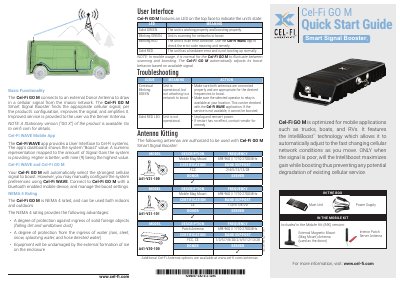
The Cel-Fi GO M is a smart signal booster designed for mobile applications such as trucks, boats, and RVs. It uses IntelliBoost™ technology to automatically adjust to changing cellular conditions. The unit connects to a donor antenna to capture signals and boosts them via a server antenna. It features an LED indicator for status and can be managed via the Cel-Fi WAVE app. Installation requires proper antenna placement and power connection.
The device supports multiple frequency bands and has NEMA 4 rating for outdoor use. Specifications include up to 70dB system gain, Bluetooth LE 4.2, and various certifications. Troubleshooting steps are provided for common issues like blinking LEDs or failure to connect to networks.
| Bluetooth Version | LE Ver 4.2 |
|---|---|
| Operating Temperature | 0 - 65°C |
| Power (Max) | Downlink TX: 10dBm/5 MHz (16dBm per band), Uplink TX: 24dBm per band |
| NEMA Rating | NEMA 4 (G32-2/4/5/12/13 FCC variants only) |
The unit is in an error condition. Use the Cel-Fi WAVE app to check the error code meaning and remedy.
It allows the unit to automatically adjust to fast-changing cellular network conditions as you move, maximizing gain only when signal is poor to prevent degradation.