
Quick start guide for the Cel-Fi TELSTRA GO Mobile smart signal repeater, covering vehicle antenna installation, mounting, power, and mode selection.
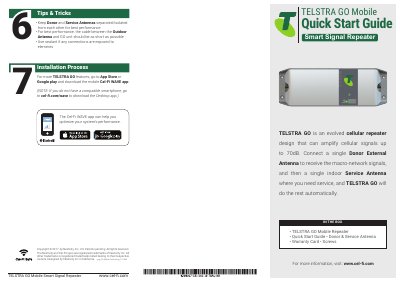
The Cel-Fi TELSTRA GO Mobile is a smart signal repeater that can amplify cellular signals up to 70dB. It receives macro-network signals through a single Donor External Antenna and provides service through a single Service Antenna, with the unit handling the rest automatically.
This Quick Start Guide describes the installation process in a vehicle: installing the donor antenna at the rear exterior, installing the service antenna in the cab toward the front, mounting the TELSTRA GO unit, connecting both antennas, plugging in the 12V power supply, and selecting Auto, 3G, or 4G/4GX mode. It also provides tips for antenna isolation and cable length and refers to the Cel-Fi WAVE app for setup and network strength checks.
| Maximum signal amplification | Up to 70dB |
|---|---|
| Power supply | 12V |
The box includes the TELSTRA GO Mobile Repeater, Quick Start Guide, Donor & Service Antenna, Warranty Card, and screws.
It can amplify cellular signals up to 70dB.
Mount the Donor Antenna on the exterior of the vehicle, toward the rear, according to its design and the vehicle type.
Press the MODE button on the unit to select the desired scanning mode; the Status Indicator blinks during setup. You can optionally use the Cel-Fi WAVE app.