
Quick setup guide for Cel-Fi DUO smart signal booster with installation steps, placement tips, and troubleshooting.
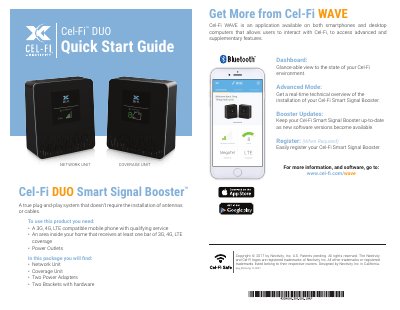
This guide walks you through installing the Cel-Fi DUO Smart Signal Booster, including placing the Network and Coverage Units for optimal signal. It covers setup steps, signal strength indicators, and troubleshooting common issues like power problems or incorrect placement.
The system is plug-and-play and requires no antennas or cables. You need a 3G/4G/LTE-compatible phone with service and at least one bar of signal in your home to begin setup.
Two green icons indicate that the Coverage Unit is functioning normally.
It means the Coverage Unit needs to be moved farther away from the Network Unit.
It means the Coverage Unit needs to be moved closer to the Network Unit.
The LTE indicator just means that 4G LTE is available and is also being boosted.