
This guide provides quick installation instructions, mounting steps, and antenna connection details for the Cel-Fi GO G41 indoor cellular signal booster.
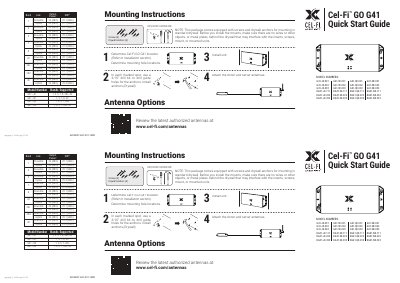
The Cel-Fi GO G41 is an indoor cellular signal booster designed to enhance mobile signal coverage in areas with weak reception. This Quick Start Guide outlines the necessary steps to install the main unit, including determining the optimal location and mounting the device using the included hardware.
| Rated Impedance | 50Ω |
|---|---|
| Bluetooth Frequency | 2402-2480 MHz |
| Bluetooth Power | 0 dBm |
| Recommended Splitter Isolation | > 20dB |
For best results, separate the donor and server antenna(s) as much as possible using physical distance or materials like a wall.
The external directional antenna #A62-V44-200 is recommended for the best overall system performance.
You can use the Cel-Fi WAVE app to optimize performance, adjust antenna locations, and assess system performance.