
The CD Automation Revo TC 2ph Temperature Controller User's Manual covers PreTune and SelfTune PID algorithms, configuration, RS485/USB Modbus RTU…
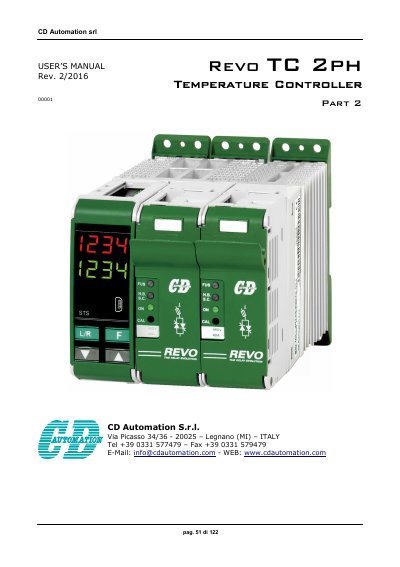
This is Part 2 of the user's manual for the CD Automation Revo TC 2ph temperature controller (Rev. 2/2016). It describes the PreTune and SelfTune PID self-tuning algorithms and how to activate them from the SP menu using the FUNC key.
It also explains how to enter configuration mode, the RS485 and USB/RS232 Modbus RTU communication settings, the INPUT and I/O parameter groups, and calibration measurement tests for voltage, current, and resistance inputs.
| Communication protocol | Modbus RTU |
|---|---|
| USB baud rate | 9600 |
| TC type K input range | -100 to 1370 °C |
| PreTune parameter | Pret = On |
| SelfTune span range | +/- 4% of span |
PreTune is activated by setting parameter Pret = On in the SP menu, accessible by pressing the FUNC key.
Both the RS485 serial interface and the USB with RS232 interface use the Modbus RTU protocol.
The fixed settings are address 1, baud rate 9600, no parity, and 1 stop bit.
LED6 flashes when PRETUNE is active.