
User manual for the CD Automation Revo TC 2ph temperature controller, covering safety, installation, wiring, programming, and calibration.
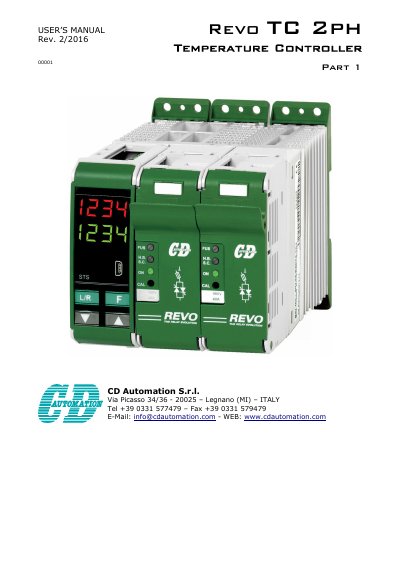
This user manual provides detailed instructions for operating and configuring the CD Automation Revo TC 2ph temperature controller. It includes sections on safety warnings, installation, wiring diagrams, programming procedures, and calibration methods for various input types. The manual also covers advanced features such as self-tuning algorithms, serial communication (RS485 and USB), and hardware testing via serial interface.
The document is structured to guide users through setup, control modes, alarm management, and troubleshooting. It includes technical specifications, environmental conditions, and default parameter loading for both European and American configurations.
| Environmental installation conditions | Not specified in text |
|---|---|
| Derating Curve | Not specified in text |
Calibration can be performed from the keypad or via serial communication, supporting TC, linear, RTD, mA, 10V, and current transformer inputs.
The controller supports RS485 and USB serial communication with Modbus protocol.
Alarm settings are configured under the ALARM Group (AL) in the programming section.