
REVO PN is a multi-channel SCR power controller for industrial heating systems, with 4 to 24 channels and 25A per channel.
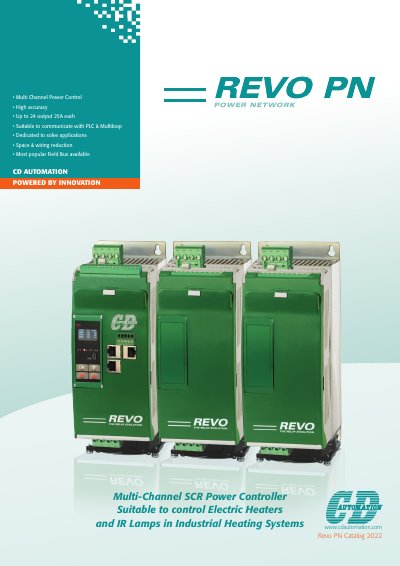
REVO PN is a multi-channel SCR power controller created for industrial multi-zone applications. It can be configured for 4 to 24 channels or zones, with each zone rated up to 25A, and is used to control electric heaters and IR lamps.
The unit includes communication options, digital inputs, relay outputs, current and voltage measurement, and heater break and thyristor short-circuit alarms. Configuration is done with the free CDA Thyristor configurator software and a standard micro USB cable.
| Channels | 4 to 24 |
|---|---|
| Current per channel | 25 A |
| Maximum voltage per zone | 480 V |
| Auxiliary voltage | 24 Vdc |
| IP code | 20 |
| Cover and socket material | Polymeric V2 |
| Fuse I2t | 1260 A2S |
| Dimensions and weight (1xS15) | H273 x W93 x D170 mm; 3.60 kg |
| Dimensions and weight (2xS15) | H273 x W186 x D170 mm; 7 kg |
| Dimensions and weight (3xS15) | H274 x W281 x D170 mm; 10.6 kg |
REVO PN can be configured to control between 4 and 24 channels or zones.
Each channel is rated for 25A.
Yes, it includes one Modbus TCP and three Modbus RTU slave interfaces.
A standard micro USB cable (code CCX).