
Installation guide for Carrier's Occupancy & Temperature Node (7C-OT-C1W-X) with mounting instructions and safety precautions.
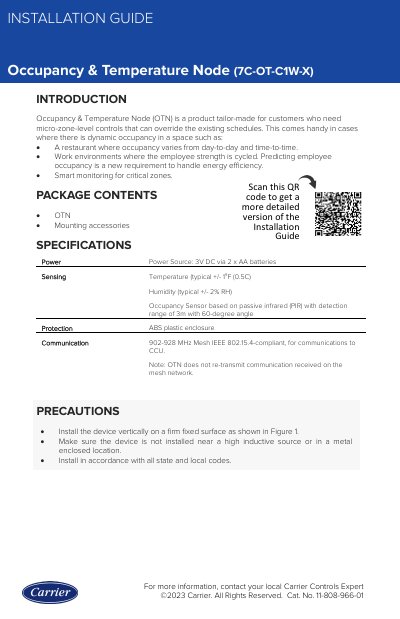
This guide provides step-by-step instructions for installing the Carrier Occupancy & Temperature Node (7C-OT-C1W-X). It includes mounting details using #8-1.5” self-tapping screws and safety precautions such as avoiding metal enclosures and high inductive sources. The device is factory calibrated and must be mounted vertically.
For additional support, users are directed to the ClimaVision Help Center or to contact their local Carrier distributor. QR codes are provided for accessing more detailed installation resources.
| Power Source | 3V DC via 2 x AA batteries |
|---|---|
| Temperature Sensing Accuracy | typical +/ - 1°F (0.5 C) |
| Humidity Sensing Accuracy | typical +/ - 2% RH |
| Occupancy Sensor Range | 3m with 60-degree angle |
| Communication Standard | 902-928 MHz Mesh IEEE 802.15.4-compliant |
Mount the OTN vertically using two #8-1.5” self-tapping screws on a firm fixed surface.
Install the device vertically on a firm fixed surface, avoid metal enclosures or high inductive sources, and follow all state and local codes.