
User guide for Bruker TopSpin 3.2 covering sample preparation, probe tuning and matching, locking, shimming, and 1D NMR data acquisition and processing.
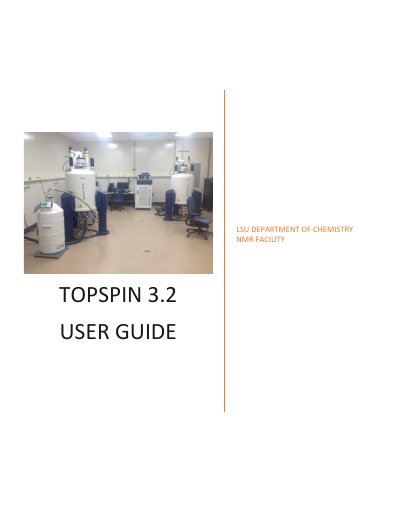
This guide explains how to collect and process NMR data with Bruker spectrometers in room CMB309 using TopSpin 3.2. It covers starting TopSpin, preparing samples, inserting tubes via SampleXpress, tuning and matching probes, locking, shimming, and running a 1D proton experiment.
The manual describes automatic tuning with ATMA and manual tuning with ATMM, locking with the lock command, shim file use with wsh and rsh, and automatic shimming with TopShim. It also gives a procedure for a 1D 1H experiment using the PROTON parameter set and the zg30 pulse program.
Click the TopSpin icon on the desktop, or open a Terminal/Shell window and type topspin.
Type lockdisp on the TopSpin command line to open a window showing the lock trace.
Use the wsh command, enter a name for the shim, and click write.
The standard Bruker parameter set PROTON is used for a 1D 1H NMR spectrum.