
Bruker TENSOR 27 Infrared Spectrometer User Manual

TENSOR 27 is an infrared spectrometer with high safety and easy operation.
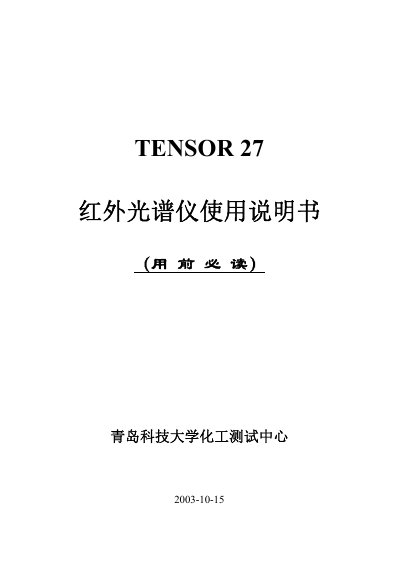

Bruker TENSOR 27 Infrared Spectrometer User Manual - cover page
Brand
Bruker
Category
Other Electronics
Document type
User Manual
Language
Chinese
Pages
41
File format
PDF
File size
2.5 MB
Published
08 December, 2022
Updated
28 September, 2023
MD5 checksum
A321351C0F3A0B236D1D14DF59A9EF74

About this manual

This document is the user manual for the Bruker TENSOR 27 Infrared Spectrometer. It covers essential topics including safety guidelines, basic operation procedures, file management, and the establishment of spectral libraries. The guide also details instrument maintenance, information on consumables and parts, and provides a section on fault analysis. This manual is written in Chinese.

What's inside

  • TENSOR 27 Introduction
  • Basic Operation Procedures
  • File Management
  • Spectral Library Establishment
  • Instrument Maintenance
  • Consumables and Parts
  • Fault Analysis
  • OPUS 4.2 Installation

Frequently asked questions

What operating system is required to run the TENSOR 27?

The manual states that Windows XP must be started to access the workstation interface.

What is the default password for the first OPUS activation?

The initial password for the User ID Administrator is the word OPUS in all capital letters.

What IP address and subnet mask are configured for the computer network card?

The configured IP address is 10.10.0.100 and the subnet mask is 255.255.255.0.

Download PDF (2.5 MB)

More Bruker Manuals


View all Bruker manuals →