
User manual for the Bruker RapiFlex MALDI‑TOF instrument covering safety, data management, software, sample preparation, and acquisition procedures.
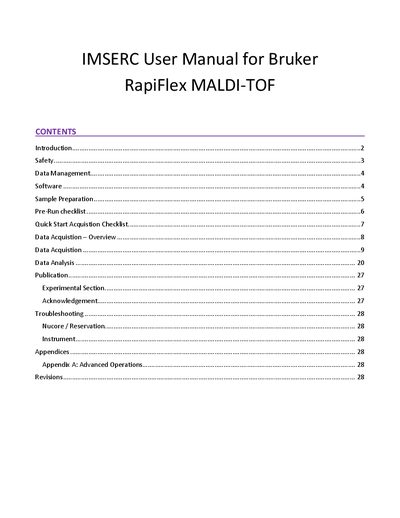
The Bruker RapiFlex MALDI‑TOF manual provides step‑by‑step instructions for qualified users at the Integrated Molecular Structure Education and Research Center (IMSERC). It outlines safety policies, data‑folder setup, software operation (FlexControl and FlexAnalysis), and detailed sample‑preparation guidelines.
The document also includes pre‑run and quick‑start checklists, data‑acquisition workflow, mass‑list generation, troubleshooting tips for NUCore reservations, and contact information for IMSERC staff. Appendices cover advanced operations and revision history.
You must begin a reservation in NUCore; the screen will activate once the reservation starts.
Protective eyewear is required, and gloves should be removed when using the computer.
Data are copied to imsercdata.northwestern.edu under the MS/MALDI‑Rapiflex directory.
Click the Mass List icon for automatic generation, or use the Edit Mass List icon to label peaks manually.