
Installation manual for the Bosch DINION 5000 AN camera, covering safety, mounting, wiring, configuration and technical specifications.
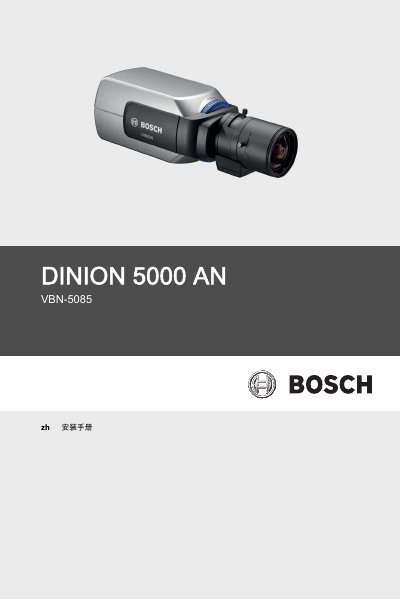
The manual provides detailed safety instructions, including grounding, protection from liquids, heat sources and proper power handling. It also describes the step‑by‑step installation process, wiring connections for power and video, and lens mounting.
Configuration guidance covers menu navigation, day/night switching, privacy masking, and communication settings. Technical data and specifications are listed at the end, along with recommended accessories and maintenance procedures. This manual is written in Chinese.
| Model numbers | VBN-5085-C11, VBN-5085-C21, VBN-5085-C51 |
|---|---|
| Image sensor | 1/3 inch 960H CCD |
| Resolution | 720 TV lines |
| Power supply | +12 VDC, 24 VAC (50 Hz), 24 VAC (60 Hz), 230 VAC 50 Hz |
| Sensitivity (black‑white mode) | <0.04 lux |
| Video output | 1 Vpp, 75 Ω |
Do not allow any liquid to splash onto the device, keep it away from heat sources, use proper grounding, and use an isolation transformer if system grounding causes interference.
The camera can be powered from +12 VDC, 24 VAC (50 Hz or 60 Hz) or 230 VAC 50 Hz, depending on the model.
The camera has true day/night capability with a switchable infrared filter that can be selected in the menu.
Available accessories include an indoor mounting bracket, an outdoor all‑weather housing, various lenses (manual, fixed or motorized zoom), and a Bilinx communication interface box.