
The BERNEE BN-132Q camcorder user manual provides setup, menu functions, RS‑485 settings, and specifications for operation in day/night mode.
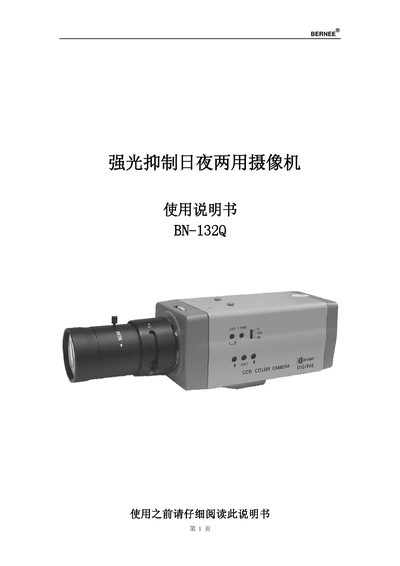
The BN-132Q camcorder features strong‑light suppression, back‑light compensation, an OSD menu, and RS‑485 control. It uses a 1/2" SONY Exview HAD CCD sensor for high‑resolution imaging in both color and black‑white modes.
The manual explains safety precautions, component locations, menu navigation (day/night mode, gain, gamma, white balance, etc.), RS‑485 address and protocol configuration, optional remote‑control and switch‑box connections, and detailed technical specifications. This manual is written in Chinese.
| Image sensor | 1/2" SONY Exview HAD CCD |
|---|---|
| Pixel resolution | 752 × 582 |
| Sync system | Internal sync / Power sync |
| Horizontal resolution (color) | 480 TV lines |
| Horizontal resolution (B/W) | 600 TV lines |
| Minimum illumination (auto) | 0.03 Lux / F1.4 |
| Signal‑to‑noise ratio | >48 dB |
| Electronic shutter (auto) | 1/50 ~ 1/10 000 s |
| Power requirements | DC 12 V / AC 24 V |
| Operating temperature | -10 °C ~ +50 °C |
| Dimensions (L×W×H) | 138 mm × 62 mm × 63 mm |
The camera can be powered by DC 12 V or AC 24 V.