
This manual introduces the features, characteristics, installation, and usage methods of the color-to-black integrated camera BN-131H, BN-131D, and provides technical parameters.
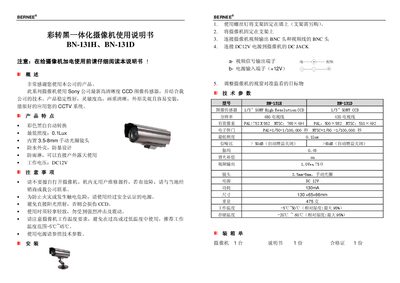
This manual covers the Bernee BN-131H and BN-131D camcorders, which use a Sony high‑resolution CCD sensor for clear images and are designed for CCTV applications. The devices feature color/black‑white auto switching, low minimum illumination, and a waterproof housing.
The guide includes safety precautions, mounting instructions, connection details for video/audio BNC outputs and DC12V power, as well as a full list of technical specifications such as sensor type, resolution, power consumption, dimensions, and operating temperature ranges. This manual is written in Chinese.
| Image sensor | 1/3" SONY High Resolution CCD |
|---|---|
| Minimum illumination | 0.1 Lux |
| Lens focal length | 3.5‑8 mm |
| Power consumption | 130 mA |
| Dimensions | 130 × 65 × 66 mm |
| Weight | 475 g |
| Operating temperature | -5 °C to 45 °C |
| Storage temperature | -20 °C to 60 °C |
| Signal‑to‑Noise Ratio | > 50 dB |
Mount the camera on a bracket, fix it securely, connect the video and audio BNC cables, and attach a DC 12 V power source to the DC jack.
The camcorder works with a minimum illumination of 0.1 Lux.