
Key facts
- Brand
- AVerMedia
- Model
- 330
- Category
- Other Electronics
- Industry
- Electronics
- Documents
- 2
- Languages
- EN
- Last added
- 2026-10-30
Start here
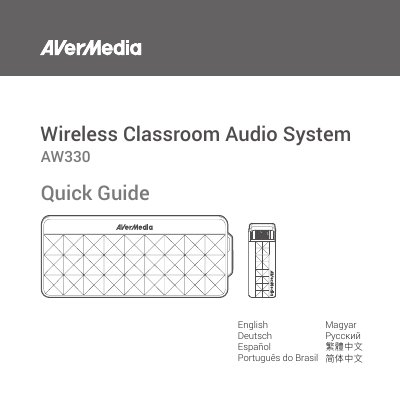
AVerMedia AW330 Wireless Classroom Audio System User Manual
The document serves as a comprehensive guide for the AVerMedia AW330 Wireless Classroom Audio System. It begins with important safety warnings regarding device usage, battery handling, and environmental conditions to prevent injury or damage.
Subsequent sections cover warranty terms, detailing coverage periods and exclusions such as unauthorized modifications or misuse. The manual also outlines procedures for obtaining warranty service through local distributors and provides contact information for support.
AVerMedia 330 specifications
| Max. Pass-Through Resolution | 3840 x 2160 @ 60 fps |
|---|---|
| Max. Recording Resolution | 1920 x 1080 @ 60 fps |
| Record Format | MPEG 4 (H.264 + AAC) or (H.265 + AAC) |
| Network Connection | Ethernet (10Base-T / 100Base-T) |
| Dimensions | 135 x 71.2 x 28 mm |
| Weight | 150 g |
All AVerMedia 330 documents by type
Day-to-day operation, settings and troubleshooting. Start here if the product is already set up.
Questions answered in these manuals
What happens when you long press the Power/Record button for 10 seconds?
Long pressing the button for 10 seconds forces a shutdown of the device.
What does a solid blue Power Indicator light mean?
A solid blue light indicates that the device is ready for use.
What is the maximum ambient temperature for using this device?
The device should be used in environments with ambient temperatures between 0°C (32°F) and 35°C (95°F).
From: AVerMedia AW330 Wireless Classroom Audio System User Manual
What is the recommended battery storage capacity to prevent over-discharge?
The battery should be stored charged to approximately 30 to 50% of capacity at least once per year.
From: AVerMedia AW330 Wireless Classroom Audio System User Manual