
Avaya 1403 IP Office Release 6 Digital Phone User Guide

User guide for Avaya 1403 IP Office Release 6 digital phone covering operation, safety, and features.
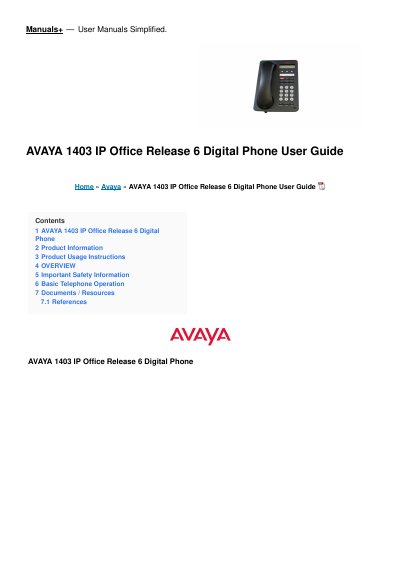

Avaya 1403 IP Office Release 6 Digital Phone User Guide - cover page
Brand
Avaya
Category
Telephone
Document type
User Manual
Language
English
Pages
12
File format
PDF
File size
385 KB
Published
02 November, 2026
Updated
02 November, 2026
MD5 checksum
17AFA922E79560758B96EFB3D6DD6716

About this manual

This user guide explains how to operate the Avaya 1403 IP Office Release 6 digital phone, including basic call functions, LED indicators, and safety information. It also covers how to use feature buttons, adjust volume, and manage calls. The guide is designed for users of the 1403, 1603, and 1603SW phone models on the Avaya IP Office system.

What's inside

  • Product Information
  • Product Usage Instructions
  • OVERVIEW
  • Important Safety Information
  • Basic Telephone Operation
  • FAQ
  • Documentation Disclaimer
  • License Terms
  • Trademarks
  • Support Information

Frequently asked questions

How can I report problems or ask questions about my contact centre?

Call Avaya’s support telephone number: 1 800 628 2888 (US) or visit http://www.avaya.com/support for other numbers.

What should I do if I suspect toll fraud?

Call the Technical Service Center Toll Fraud Intervention Hotline at +1-800-643-2353 (US and Canada) or email [email protected] for security vulnerabilities.

Download PDF (385 KB)

More Avaya Manuals


View all Avaya manuals →