
The Autonics LP-A070 Series Color Logic Panel User Manual provides specifications, installation, operation, and programming details for the 7‑inch color HMI.
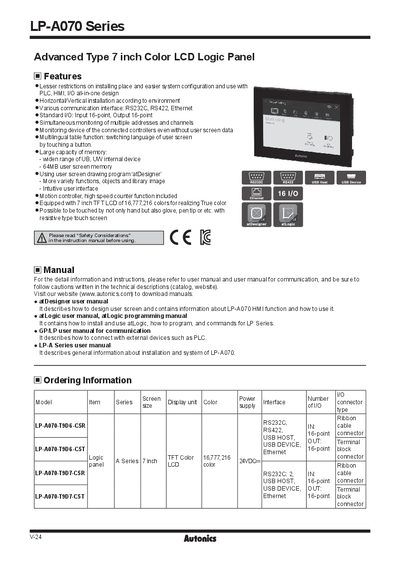
This manual covers the features and technical specifications of the Autonics LP‑A070 Series 7‑inch color logic panel, including its 16‑point input/output, 24 VDC power supply, 64 MB screen memory, and resistive touch interface. It also describes the available communication options such as RS‑232C, RS‑422, USB Host/Device, and Ethernet.
Installation, wiring, safety precautions, and programming guidance are provided in detail. Users can learn how to mount the panel, connect power and I/O, configure languages, and create screen projects with the atDesigner software. The document also references related manuals for communication and atLogic programming.
| Display size | 7 inch TFT Color LCD |
|---|---|
| Resolution | 800×480 dots |
| Power supply | 24 VDC |
| Power consumption | Max. 7.2 W |
| I/O points | 16 input, 16 output |
| Touch type | Resistive (analog) |
| Operating temperature | 0 °C to 50 °C |
| IP rating | IP65 |
| Weight | Approx. 742 g |
The panel provides 16 input points and 16 output points.
It operates on a 24 VDC power supply.