
The document describes the features and characteristics of a product called "Product Name". The product is manufactured by the brand "Brand Name" and has a model number of "Model Number".
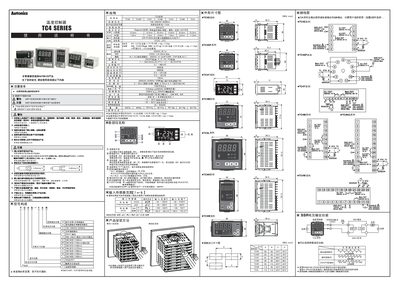
This manual explains the safety precautions that must be observed before using any Autonics TC4 Series temperature controller, including protection against fire, electric shock, and improper installation. It also describes the required mounting method and the recommended wiring practices for power and sensor connections.
The document details the controller’s functions, such as ON/OFF, PID, and auto‑tuning modes, and explains how to configure parameters, set alarm thresholds, and use the relay or SSR outputs. Technical specifications for power supply, sensor types, display, and output ratings are listed for reference. This manual is written in Chinese.
| Input voltage | 100‑240 VAC, 50/60 Hz |
|---|---|
| Power consumption | < 5 VA |
| Display type | 7‑segment LED (red, green, yellow) |
| Relay output | 250 VAC, 3 A |
| SSR output | 12 VDC, 20 mA max |
| Control modes | ON/OFF, PID, Auto‑tuning |
The controller accepts an input voltage of 100 V to 240 V AC at 50 Hz or 60 Hz.
Yes, the controller must be installed on a panel using the mounting bracket as shown in the installation diagram.