
Autodesk AutoCAD ActiveX and VBA User Guide

This guide explains how to expose AutoCAD objects through an ActiveX Automation interface and program them using the Visual Basic for Applications (VBA)…
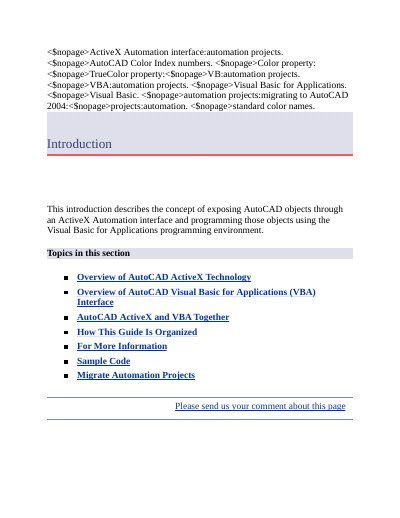

Autodesk AutoCAD ActiveX and VBA User Guide - cover page
Brand
Autodesk
Document type
User Manual
Language
English
Pages
672
File format
PDF
File size
4.2 MB
Published
19 October, 2026
Updated
19 October, 2026
MD5 checksum
CCF0C4BFEFDAB01F01E5D9F7D408146F

About this manual

This document introduces the concept of exposing AutoCAD objects through an ActiveX Automation interface and programming those objects using the Visual Basic for Applications (VBA) environment. It covers the overview of AutoCAD ActiveX technology, the VBA interface, how they work together, and provides guidance on developing applications using these technologies.

What's inside

  • Overview of AutoCAD ActiveX Technology
  • Overview of AutoCAD Visual Basic for Applications (VBA) Interface
  • AutoCAD ActiveX and VBA Together
  • How This Guide Is Organized
  • For More Information

Frequently asked questions

What programming environment is used for the example code in this guide?

All of the example code presented in this guide is written in VBA.

What type of text should be used for longer entries with internal formatting?

You should use multiline text (mtext) for longer entries that require internal formatting.

What happens to VBA components when running 64-bit AutoCAD?

VBA components run as 32-bit out-of-process COM components because Microsoft has not promised 64-bit VBA SDK libraries.

Download PDF (4.2 MB)

More Autodesk Manuals


View all Autodesk manuals →