
Installation and usage instructions for Autodesk 3ds Max 2013 and 3ds Max Design 2013 Product Update 3, including system requirements and bug fixes.
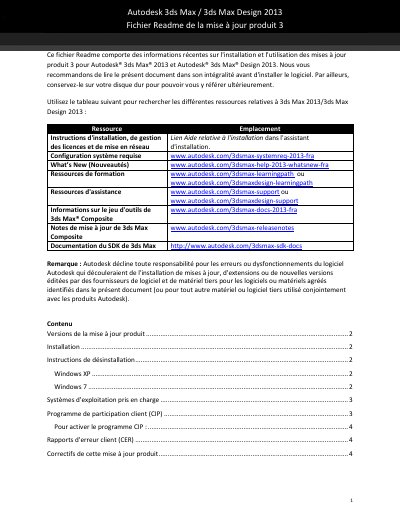
This document provides the Product Update 3 Readme for Autodesk 3ds Max 2013 and 3ds Max Design 2013. It details the installation and uninstallation procedures for both 32-bit and 64-bit versions on supported operating systems, including Windows XP, Windows 7, and Mac. Users are advised to read the document in full before installing the software. This manual is written in French.
| Supported Operating Systems | Windows XP Professional, Windows XP Professional x64, Windows 7 Professional, Mac |
|---|---|
| Product Version | 2013 |
The update includes specific MSP files for 32-bit and 64-bit versions of 3ds Max and 3ds Max Design.
Yes, the update can be run on a Mac using Boot Camp or Parallels Desktop for Mac.
Go to Control Panel > Programs and Features, click Show installed updates, select the update, and click Uninstall.