
User manual for the ASUS ZenScreen OLED MQ16AH portable USB monitor, covering setup, OSD configuration, and technical specifications.
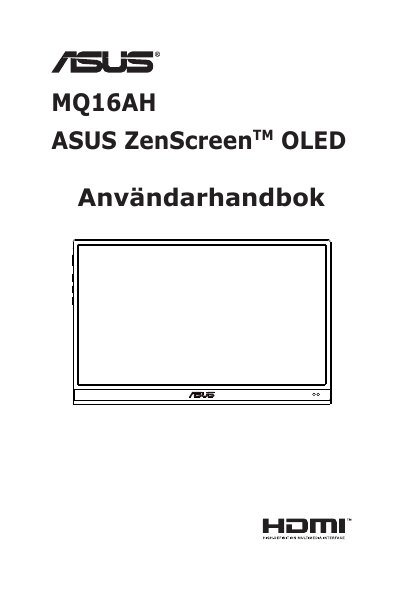
The ASUS ZenScreen OLED MQ16AH is a portable USB Type-C monitor designed for portability and ease of use. It features an OLED panel and supports connectivity via USB Type-C and Mini HDMI. This manual is written in Swedish.
| Panel Size | 15.6" (16:9, 39.62 cm) |
|---|---|
| Resolution | 1920 x 1080 |
| Brightness | 360 nits (typ.), 400 nits (max.) |
| Contrast Ratio | 100000:1 |
| Power Consumption | ≤ 15 W |
| Weight | 0.65 kg (Net) |
Press the power button to check if the screen is ON and ensure the USB Type-C cable is correctly connected to both the screen and the computer.
Adjust the brightness settings using the button.
Verify that the input source supports HDR playback with correct system settings and the latest software, and ensure the content is HDR-encoded.