
The Aputure Trigmaster Plus 2.4G User Manual provides setup, operation, specifications, and troubleshooting for the wireless flash and shutter trigger.
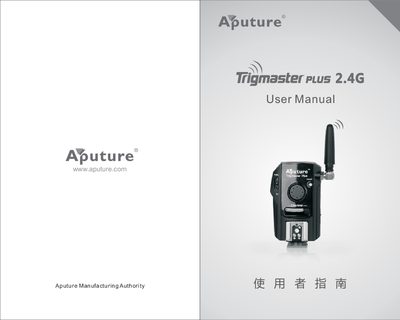
The Trigmaster Plus 2.4G is a pocket‑sized 2.4 GHz wireless system that combines a transmitter and receiver to control cameras and flashes. It supports up to six independent channels, a 120 m range, and a sync speed of 1/250 s, allowing multiple photographers to work together without interference.
This manual explains how to install the AAA batteries, set channels and function modes (TX/RX or RX), operate wired and wireless shutter control, use the flash‑trigger and wake‑up features, and provides technical specifications, safety precautions, and troubleshooting tips.
| Transmission distance | 120 m (open area) |
|---|---|
| Sync speed | 1/250 s |
| Continuous trigger frequency | 8 frames/second |
| Dimensions (L×W×H) | 80 × 48 × 27 mm |
| Standby time | 2000 hours |
| Continuous working time | 100 hours |
Make sure the battery is installed, the receiver power switch is on, both units are set to the same channel, and the function switch is correctly set to TX/RX or RX.
Set the lens focus mode to AF (auto‑focus) instead of MF (manual focus).
Assign each photographer a different channel so that the Trigmaster units do not share the same channel.
It indicates low battery power; replace the two AAA batteries.