
The Aputure Amaran 100d LED photography light user manual provides setup, operation, safety instructions, Bluetooth control, and specifications.
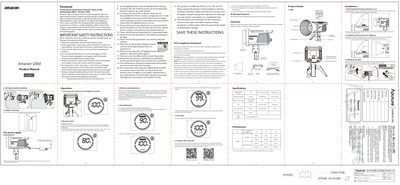
This manual explains how to install and set up the Amaran 100d LED photography light, including attaching the protection cover, mounting the 55° reflector, and securing the lamp body on a tripod. It also covers manual brightness adjustment, wireless Bluetooth control via the Sidus Link app, and OTA firmware updates.
Safety guidelines are detailed, such as removing the protective cover before powering on, avoiding contact with the hot LED source, and using only original Aputure accessories. Warranty information, FCC compliance statements, and a checklist of items included in the package are also provided. This manual is written in Chinese.
| Maximum Power Consumption | 130W |
|---|---|
| Power Supply Voltage | AC 100~240V 50/60Hz |
| TLCI | ≥95 |
| Dimensions (L×W×H) | 207.5 mm × 154 mm × 164.8 mm |
Use the Sidus Link app to perform OTA (over‑the‑air) updates; the app downloads and installs the new firmware wirelessly.