
This guide provides instructions for updating the firmware on specific Alpine CD/USB receivers, including preparation, steps, and troubleshooting.
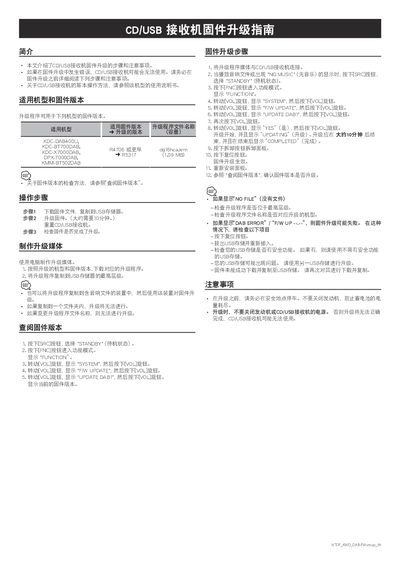
This document serves as a guide for updating the firmware on select Alpine CD/USB receivers. It covers the applicable models and firmware versions, detailing the process of creating the update media and performing the upgrade. The guide emphasizes safety precautions, such as keeping the engine running during the update to prevent battery drain, and warns that improper updates may render the device unusable.
The procedure involves downloading the specific firmware file to a USB drive, connecting it to the receiver, and navigating the menu to initiate the update. The document also provides troubleshooting steps for common errors like 'NO FILE' or 'DAB ERROR' and instructions on how to verify the current firmware version before and after the update. This manual is written in Chinese.
The update applies to KDC-DAB400U, KDC-BT700DAB, KDC-X7000DAB, DPX-7000DAB, and KMM-BT502DAB.
The update process takes approximately 10 minutes.
Press the reset button, remove and reinsert the USB storage, or try a different USB drive without security features.