
Allied Vision Mako U Features Reference describing camera controls, standards compliance, and feature categories for Vimba Viewer.
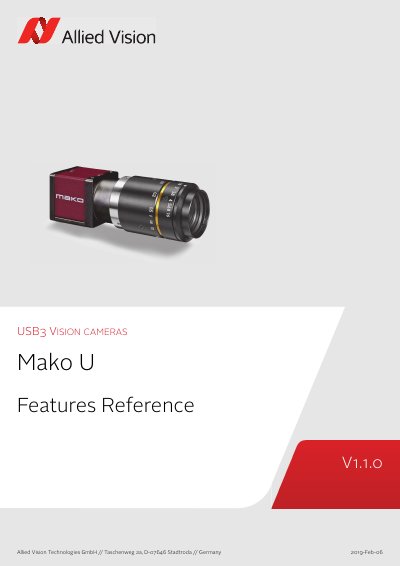
This document is the Mako U Features Reference for Allied Vision Mako U cameras. It describes in alphabetical order the basic and advanced camera controls as seen from Vimba Viewer and lists the applied standards.
It covers feature categories such as AcquisitionControl, AnalogControl, BufferHandlingControl, CorrectionControl, DeviceControl, DigitalIOControl, FileAccessControl, ImageFormatControl, StreamInformation, and UserSetControl. Some features are not available for all camera models, and the document points to additional downloads such as the Mako U Camera Technical Manual and Vimba.
They comply with USB3 Vision Standard V1.0.1, GenICam SFNC V2.2, GenTL SFNC V1.0, PFNC V2.0, and GenCP V1.0.
Vimba, including Vimba Viewer and Vimba Driver Installer, is available from the Allied Vision software download page.
No. Some features are not available for all camera models.
It selects the UserSet to be loaded by default when the camera is reset.