
This document is the installation manual for GigE Vision Cameras.
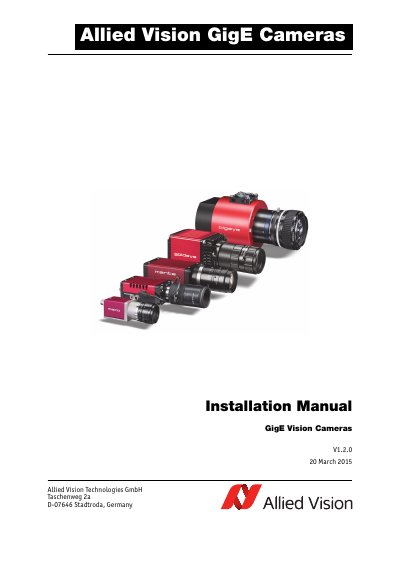
This document provides detailed instructions for installing and configuring Allied Vision GigE Vision cameras. It covers hardware setup, including Ethernet adapter configuration and IP address modification, as well as software installation using tools like VIMBA Viewer and GigE Sample Viewer. The guide also includes safety instructions, troubleshooting tips for common issues, and information on compatible accessories and third-party software.
The manual is versioned and updated regularly, with historical changes noted. It supports multiple camera models including Goldeye G, Prosilica, Mako, and Manta, and includes specific instructions for Bigeye G cameras operating at 12V with current limits.
Bigeye G cameras operate at 12 V (+ 5%) with a maximum current limit of 3.0 A.
Use a Category 6 or higher rated Ethernet cable. Crossover cabling is not required but works.
The software packages include drivers, SDK for camera control and image acquisition, examples based on provided APIs, documentation, release notes, and a viewer application to operate/configure the cameras.