
User guide for the Allied Vision MIPI CSI-2 camera adapter board for NVIDIA Jetson TX2 and AGX Xavier Developer Kits, covering setup, power, and I/O.
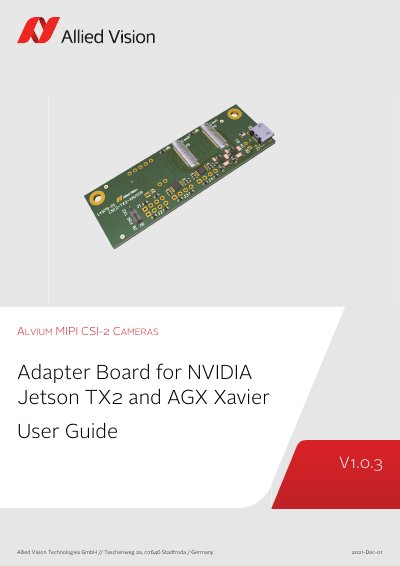
The Allied Vision MIPI CSI-2 camera adapter board connects Alvium CSI-2 cameras to the NVIDIA Jetson TX2 Developer Kit and NVIDIA Jetson AGX Xavier Developer Kit. The delivery consists of the adapter board only; the FPC cable that connects the board to the camera is not included.
This user guide covers compliance, safety, and intended use; specifications, dimensions, and PCB layout; electronic schematics; camera power and I/O connections; and installation and I/O connection instructions. It lists a product code of 14909 and supported FPC cables 12316, 12317, and 12318.
| Product code | 14909 |
|---|---|
| Dimensions (L × W × H) | 75.6 × 25 × 15.3 mm |
| Mass | 10 g |
| Storage temperature | -10 °C to +70 °C ambient temperature |
| Operating temperature | +5 °C to +65 °C |
| Relative humidity | 0% to 80% (non-condensing) |
| Supported cameras | Alvium CSI-2 cameras |
| Supported FPC cables for camera connections | Allied Vision 12316, 12317, 12318 |
| VCC-EXT-IN input voltage | 4.5 to 5.5 VDC |
| Maximum input current | 1.5 A |
It is intended for the NVIDIA Jetson TX2 Developer Kit and NVIDIA Jetson AGX Xavier Developer Kit.
Alvium CSI-2 cameras.
4.5 to 5.5 VDC.