
Alcatel-Lucent 7750 SR OS Basic System Configuration Guide

This guide details the usage of the command-line interface (CLI) for configuring and managing Alcatel-Lucent 7750 SR OS routers.

Alcatel-Lucent 7750 SR OS Basic System Configuration Guide - cover page
Brand
Alcatel-Lucent
Category
Other Electronics
Document type
User Manual
Language
English
Pages
46
File format
PDF
File size
392 KB
Published
11 November, 2026
Updated
11 November, 2026
Model
7750
MD5 checksum
17EF2621257BD02535AB089CBA572244

About this manual

This document serves as a basic system configuration guide for the Alcatel-Lucent 7750 SR OS platform. It provides comprehensive instructions on using the Command-Line Interface (CLI) for router configuration and management tasks.

What's inside

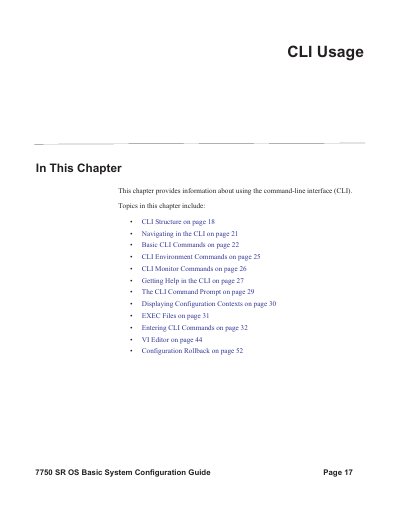
  • CLI Structure
  • Navigating in the CLI
  • Basic CLI Commands
  • CLI Environment Commands
  • CLI Monitor Commands
  • Getting Help in the CLI
  • The CLI Command Prompt
  • Displaying Configuration Contexts
  • EXEC Files
  • Entering CLI Commands

Frequently asked questions

What is the purpose of the Alcatel-Lucent 7750 SR OS CLI?

The CLI is used for the configuration and management of SR OS routers.

How can a user access the Alcatel-Lucent 7750 SR OS CLI?

The interface is accessible through the console, Telnet, and secure shell (SSH).

What happens when a user enters an incorrect CLI command syntax?

The CLI returns an error message stating that the command is bad.

Download PDF (392 KB)

More Alcatel-Lucent Manuals


View all Alcatel-Lucent manuals →