
Konica Minolta magicolor 4750DN User Guide

magicolor 4750DN user manual, introduces the use and maintenance methods of the product
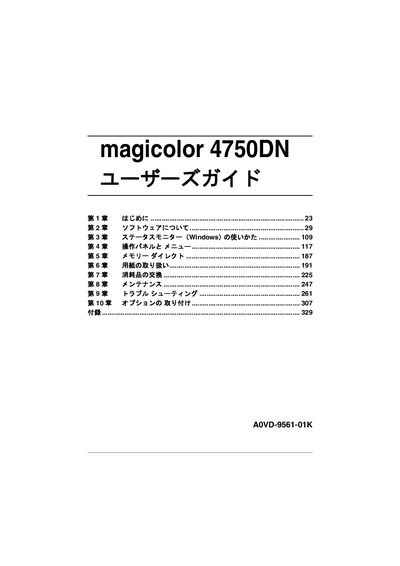

Konica Minolta magicolor 4750DN User Guide - cover page
Brand
magicolor
Category
Printer
Document type
User Manual
Language
Japanese
Pages
339
File format
PDF
File size
6.2 MB
Published
11 November, 2011
Updated
30 September, 2023
Model
4750DN
MD5 checksum
5EED8583405B131163AA45DFB781DDB2

About this manual

This guide introduces the magicolor 4750DN printer, a color laser printer designed for Windows and Macintosh environments. It covers software installation, status monitoring, and basic operation of the control panel.

The manual includes sections on paper handling, consumable replacement, routine maintenance, troubleshooting, and optional accessories such as paper trays and memory modules. Detailed instructions for the Windows status monitor, memory direct, and error messages are also provided. This manual is written in Japanese.

What's inside

  • はじめに (Introduction)
  • ソフトウェアについて (Software Overview)
  • ステータスモニター (Windows) の使いかた (Status Monitor Usage)
  • 操作パネルとメニュー (Control Panel and Menus)
  • メモリーダイレクト (Memory Direct)
  • 用紙の取り扱い (Paper Handling)
  • 消耗品の交換 (Consumable Replacement)
  • メンテナンス (Maintenance)
  • トラブルシューティング (Troubleshooting)
  • オプションの取り付け (Optional Accessories Installation)

Frequently asked questions

What operating systems are supported by the magicolor 4750DN?

The printer works with Windows and Macintosh environments.

Where can I find instructions for using the Windows status monitor?

See the "ステータスモニター (Windows) の使いかた" section of the guide.

Download PDF (6.2 MB)

More magicolor Manuals


View all magicolor manuals →