
This document provides information about the magicolor ® 2450 printer and instructions for installing the printer driver.
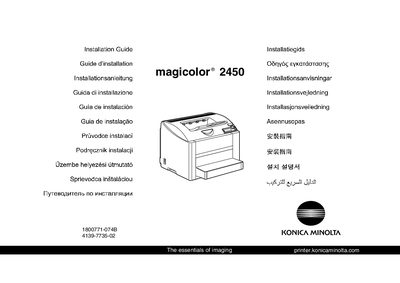
The guide explains how to unpack the printer, keep the packing materials for future moves, and review safety information before installation. It also covers driver installation from the supplied CD‑ROM and required utilities.
Connection options are described, including USB, parallel, and Ethernet. Detailed steps for configuring the printer driver on various Windows versions are provided, and notes point to the Reference Guide for Macintosh and Linux instructions.
| Maximum paper capacity | 200 sheets |
|---|
Yes, keep all packing materials in case you ever need to move or ship the printer.
The guide provides Windows instructions; for Macintosh and Linux details, see the magicolor 2450 Reference Guide.