
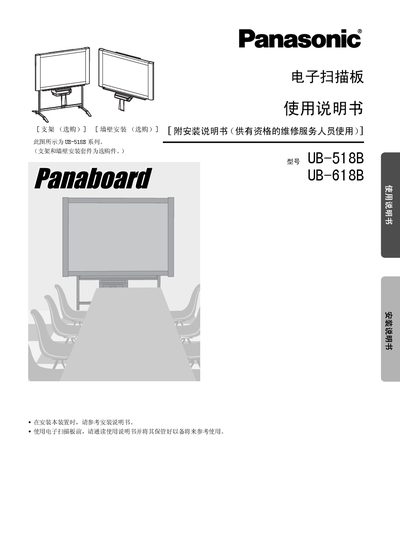
This manual covers the safe handling and installation of the Panasonic UB-518B and UB-618B electronic scanning devices. It includes important safety notices, power‑source requirements, and precautions to avoid fire, moisture, and improper use. Detailed installation procedures and required accessories are described to help users set up the scanner correctly.
The guide also explains the operation of the scanner, including the function of each part, how to use the USB interface, and maintenance tasks such as cleaning the printing area and replacing consumables. A troubleshooting section helps resolve common issues, and the manual lists all supplied accessories and recommended supplies. This manual is written in Chinese.
| Operating Voltage | 220‑240 V |
|---|---|
| Maximum Printable Width | 5 cm |
| LED Type | Silver LED (reflective) |
No. Connecting the Panasonic USB cable to other equipment may cause the scanner to malfunction.
The package contains a color pen (black, red, cyan), A4 printing paper (10 m), a CD‑ROM, an eraser, a power cable, and mounting brackets.