
This document is the user manual for Philips 7FF1 PhotoFrame™ Modern Classic digital photo frame. The manual provides information about the inventory, initial setup, specifications, and how to get started with the digital photo frame. The photo frame can be placed horizontally or vertically according to the displayed photos, and it has a built-in rechargeable battery for convenient mobility. The manual also explains the control buttons and the functionality icons on the LCD screen. The digital photo frame has a 6.5-inch display area and supports various memory card types, capable of displaying JPEG photos with up to 1.2 million pixels.
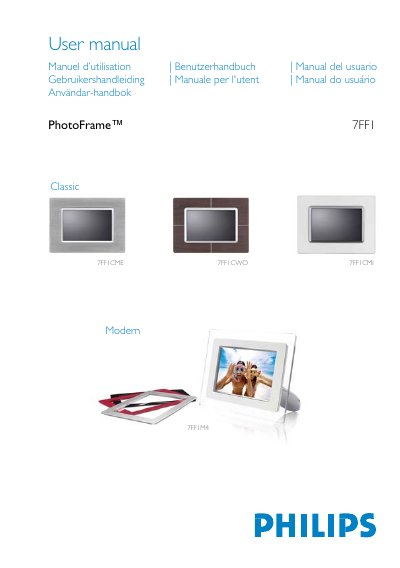
This manual guides you through unpacking, initial setup, and basic operation of the Philips 7FF1 PhotoFrame ModernClassic digital photo frame. It includes instructions for connecting power, inserting storage media, and navigating the on‑screen menus.
Detailed specifications such as display size, resolution, brightness, supported memory cards, and power‑indicator behavior are listed, along with safety, disposal, and regulatory information for various regions. This manual is written in Chinese.
| Effective display area | 137 x 91 mm |
|---|---|
| Resolution | 720 x 480 pixels |
| Brightness | 200 nits |
| Viewing angle | Horizontal -85°~85°, Vertical -85°~85° |
| Supported memory cards | SD, MMC, Memory Stick, Compact Flash |
Move the power switch up to the ON position; the power indicator will light green.
The frame supports SD, MMC, Memory Stick (including MS Pro), and Compact Flash cards.
The display resolution is 720 × 480 pixels.