
This manual provides a comprehensive overview of using Siemens STEP 7 programming software. It introduces how to install, configure, and debug the software. It also provides information on creating programs and describing user program components.
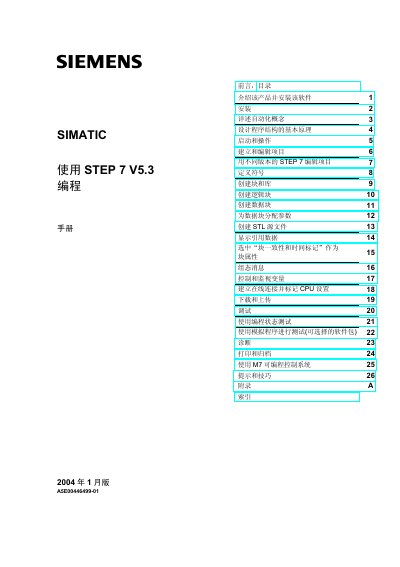
This manual provides detailed instructions for installing, configuring, programming, debugging, and maintaining STEP 7 V5.3 software for SIMATIC S7 automation systems. It covers creating projects, defining symbols, building blocks, managing data, and online operations. The guide is intended for users who need to develop control tasks using STEP 7 and SIMATIC S7 systems.
It assumes familiarity with automation concepts and MS Windows 2000 or XP. The manual is part of the STEP 7 documentation package and includes references to online help and additional resources for advanced topics. This manual is written in Chinese.
STEP 7 is used with the SIMATIC S7 automation system to perform control tasks.
The computer must run MS Windows 2000 Professional or MS Windows XP Professional.
It applies to the STEP 7 programming software package, version 5.3.
It is intended for personnel who use STEP 7 and the SIMATIC S7 automation system to perform control tasks.