
This is an instruction manual on the operation of SIMATIC Panel PC 677B, which mainly introduces the safety, installation, connection, integration, debugging, operation and maintenance of the equipment.
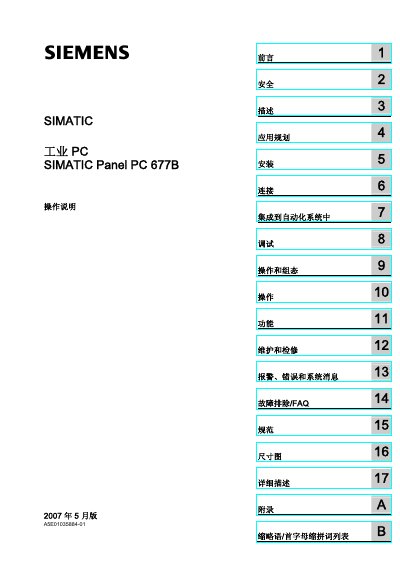
This manual provides detailed instructions for installing, connecting, and operating the Siemens SIMATIC Panel PC 677B. It includes sections on safety, hardware setup, software configuration, troubleshooting, and maintenance. The guide is intended for technicians and engineers working with industrial automation systems.
The manual covers both touch and key-based panel configurations, BIOS setup, Windows OS installation, driver installation, RAID setup, and system recovery. It also includes technical specifications, component power requirements, and detailed descriptions of internal hardware components. This manual is written in Chinese.
| Model Number | 6AV780 |
|---|---|
| Power Supply | 120 V / 240 V AC or (24 V) DC |
| BIOS Setup | Includes menus for Advanced, Security, Boot, and Exit settings |
Install Microsoft Windows XP Professional or Windows XP Embedded as described in section 8.3.
The device can be powered by 120 V / 240 V AC or (24 V) DC.
Press the appropriate key during boot to enter BIOS Setup, then navigate through the menus.