
This document is an instruction manual for updating the firmware of GX200 camera, explaining the steps to download the firmware from the official website and perform the update.
The document provides step‑by‑step instructions for updating the firmware of the Ricoh GX200 camera. It covers checking the current firmware version, extracting the update files, copying them to an SD card, and performing the update on the camera.
Users are guided on both Windows and Macintosh systems, including how to handle the RICOH Gate software, initialize the SD card, and troubleshoot common messages that may appear during the update process. This manual is written in Japanese.
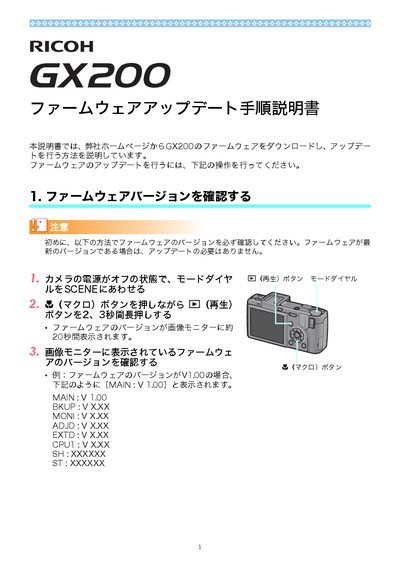
Turn the camera off, set the mode dial to SCENE, then hold the macro button while pressing the playback button for 2–3 seconds; the version appears on the monitor.